Read the ready-made winback flow
Sign in to save your progressYour shop already knows when a customer last ordered. A ready-made winback flow uses that history to invite them back. Open Campaigns → Automations → MailBeez Flows → Win back inactive customers and follow the arrows from left to right.
Start with the latest order
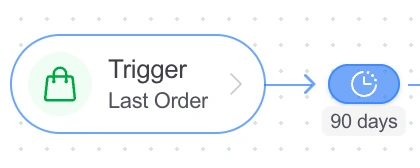
Choose the status your shop uses for a completed order. In this example it is Shipped. The 90-day wait starts when the latest order reaches that status.
Invite the customer back
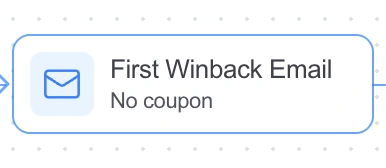
When the first email is due, MailBeez checks whether the customer qualifies. This shop starts with a simple invitation to visit the store.
Count from the first send
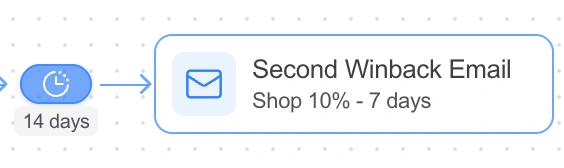
If the buyer still hasn’t ordered, the second invitation can follow 14 days after the first send. This one offers 10% off, valid for seven days. A new order ends the reminders for the earlier purchase.
Trace the two waits. Which begins with a status change, and which begins with an email? The same timing applies to all qualifying buyers. Product or category rules belong in a custom automation.
Choose how to practice
For hands-on practice, use a test shop with Winback, a shared email design and a sending method ready for simulation. You can use an existing coupon template or practice without a discount. On paper, use the sample orders and draft the invitations. If the shop still needs its design or sending route, start with general preparation.